Overview
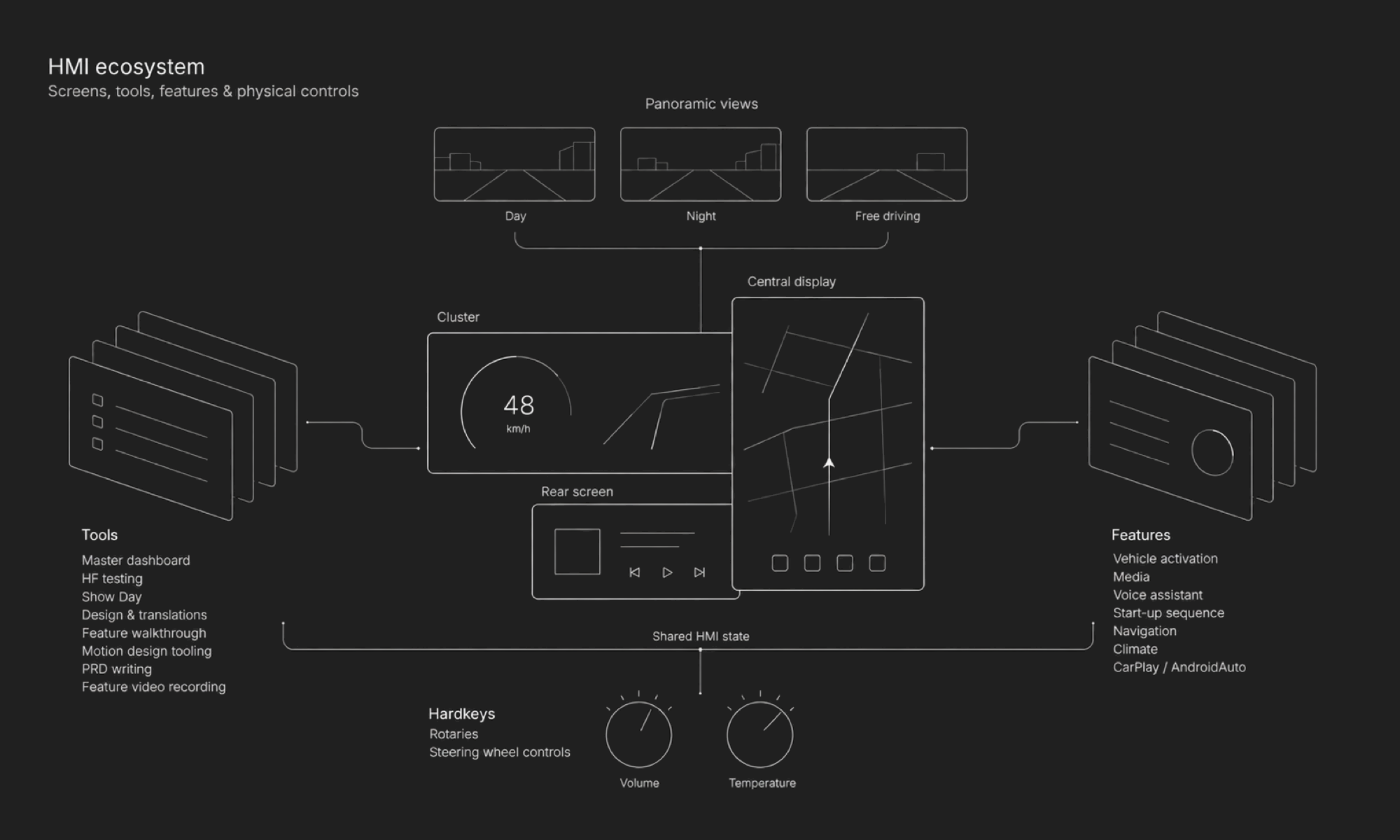
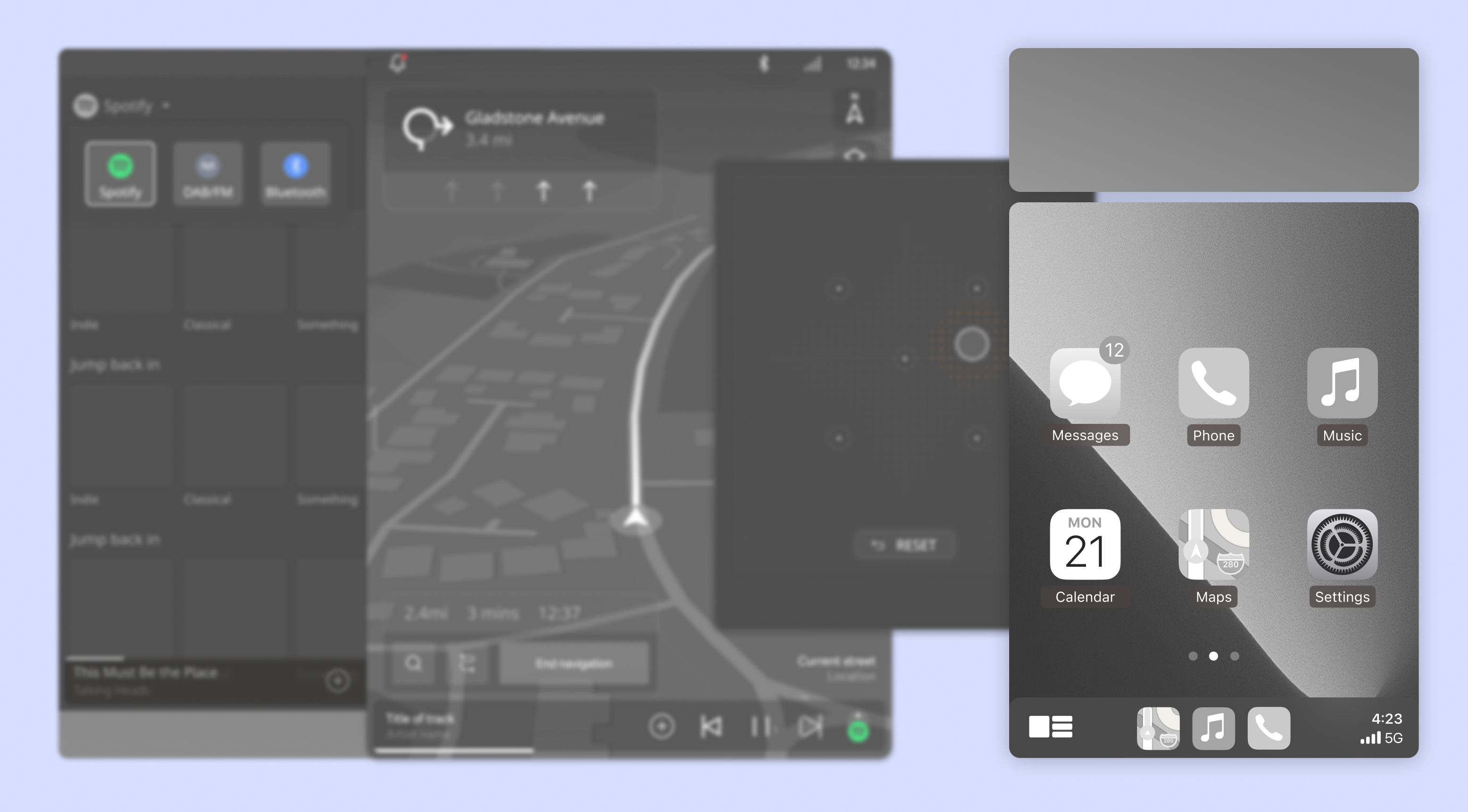
A leading European luxury automotive manufacturer set out to radically improve the HMI experience across two new vehicles. As Lead HMI Designer, I lead UX for key infotainment areas, including navigation, media, audio, and device mirroring. I work closely with product, human factors, systems engineering, and suppliers to shape experiences within complex technical constraints.
Alongside this work, I initiated an exploration of how AI-enabled prototyping could help teams test ideas earlier and make better-informed decisions. The longer-term ambition is to develop an approach that can support design work across the programme.
- Role
- Lead HMI designer
- Timeline
- 2025 — Ongoing
Project highlights
Infotainment UX leadership
- Leading UX across navigation, media, audio, and device mirroring
- Presenting design concepts to stakeholders at different management levels
- Aligning experiences with technical constraints and supplier requirements
AI-enabled design & prototyping
- Building interactive, multi-screen prototypes with AI
- Testing concepts early with technical partners
- Exploring an AI-enabled workflow for HMI design across the programme
The challenge
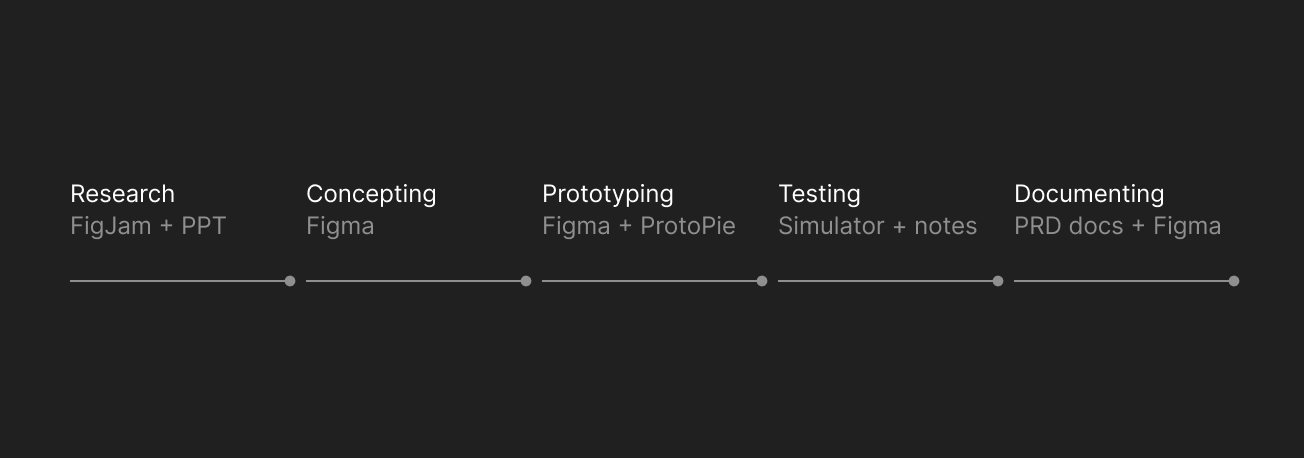
Automotive HMI design involves long development cycles, complex hardware and software dependencies, and multiple rounds of validation. Designers often spend significant time creating and connecting screens in Figma and ProtoPie before an experience can be tested in a simulator or on a device.
Even then, prototypes are often limited to static screens or predefined sequences. This makes it difficult to bring experiences to life, explore how features interact, and test how interactions change across contexts. Technical feasibility may only be assessed after considerable design effort.
The opportunity: How could designers bring HMI experiences to life and assess their feasibility earlier in the process?
- ResearchFigJam + PPT
- ConceptingFigma
- PrototypingFigma + ProtoPie
- TestingSimulator + notes
- DocumentingPRD docs + Figma
Exploring a connected HMI
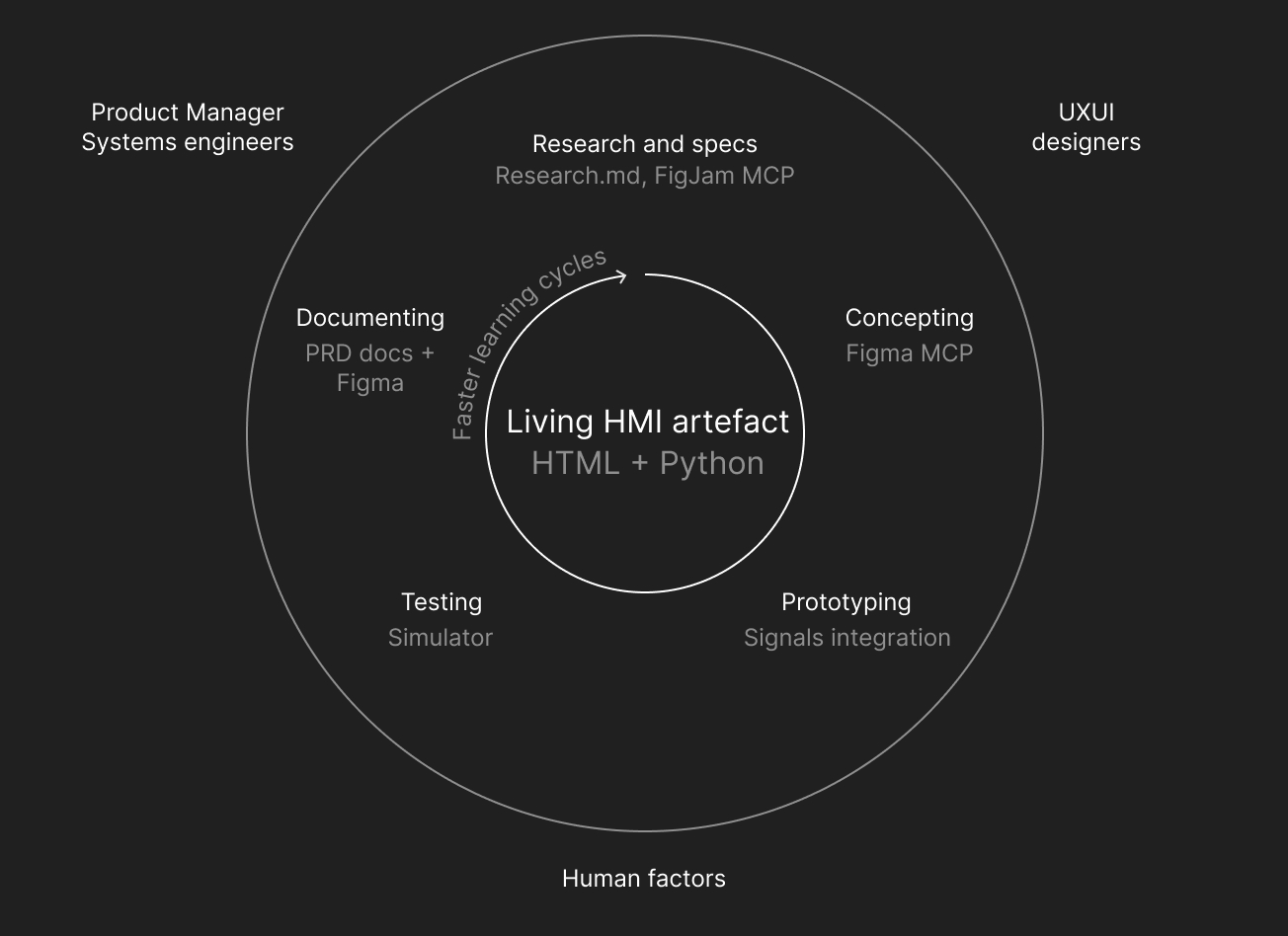
Alongside my infotainment work, I began exploring how AI-enabled prototyping could help designers bring more complete HMI experiences to life. The idea is to give each design workstream an interactive sandbox grounded in vehicle capabilities, business logic, and technical constraints.
Using tools like Claude Code, designers could:
- Build and refine interactive experiences through natural language.
- Keep research, requirements, and technical specifications close to the prototype.
- Connect real APIs, load 3D models, and explore context-sensitive interactions across multiple screens.
- Use testing feedback to refine the experience against the original brief.
- Research, specs and business logic Reports, slideware, MDs
- Concepting MCPs, Codex
- Prototyping Signals
- Testing Simulator
- Documenting PRDs, Figma specs & flows
An early experiment: the audio demo
Our team wanted to explore a more immersive way for people to experience what the vehicle’s premium sound system could do.
Working with our audio experts, I designed and built a functional prototype using AI in one day—around 10× faster than I estimate it would have taken me using my usual prototyping workflow.
Two days later, we presented it to our audio tuning partners for a feasibility review. Their feedback revealed that the experience would require significant technical and tuning effort for a feature used infrequently, mostly during setup.
Having a concrete prototype helped us weigh the effort against the value early. The feedback helped me understand the technical constraints and propose a simpler experience. Together, we decided to focus more tuning effort on use cases people would encounter more regularly.
From experiment to shared exploration
I onboarded another designer to use AI-enabled prototyping for a complex feature. To help them get started, I created an architecture diagram showing how two APIs could bring more realism to the experience.
The core team is also excited to try this way of working, and we agreed to use it to bring three features together for an upcoming concept review. The aim is to give stakeholders a connected experience to discuss, rather than presenting each feature in isolation.
Impact & what's next
The early experiments showed how interactive prototypes could bring technical feasibility into the conversation sooner and give designers another way to explore ideas.
Our existing simulators already bring together vehicle screens, physical controls, and simulated driving contexts. We’re now working to connect the prototypes to the simulators through signals, so experiences can respond to changes in the vehicle and its surroundings.
AI enhances our work and helps us work more efficiently. It also challenges established ways of working, tools, and mindsets. Our next step is to involve other teams in shaping how we work together as AI becomes part of the process.